01
Install the Android App
Download from Google Play. Enter your User ID and Device ID, then save settings. The mic button on the home screen is your remote control.
Get on Play Store →
Speak a command on your Android phone. Your Windows PC listens and acts — from anywhere in the world.
 One Tap
"Open Gmail"
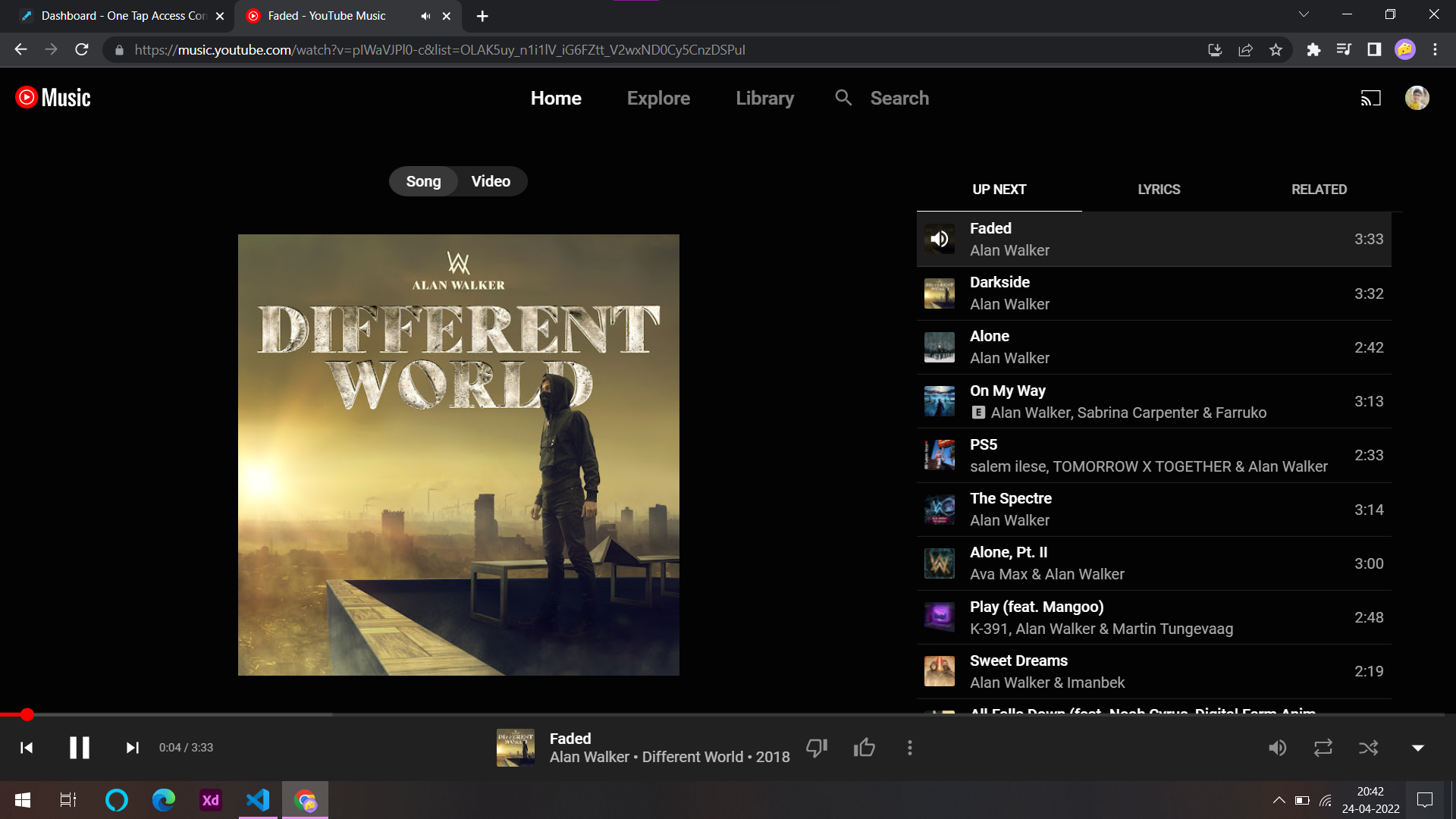

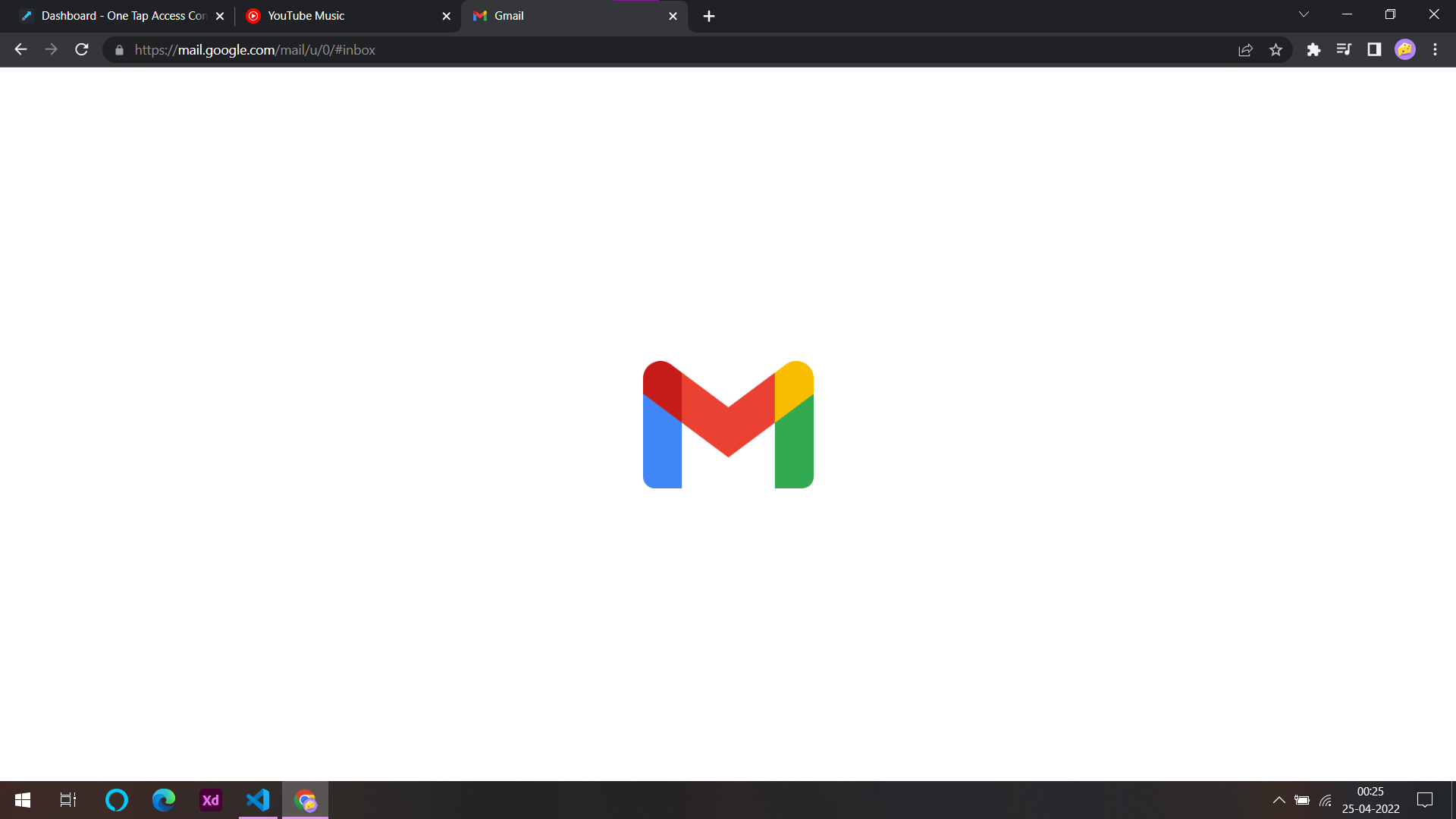
 Opening Gmail on your laptop...
Your Phone
Your PC
Install the Android app and enter your User ID & Device ID
Tap the mic and speak your command
Your command travels securely to your PC
The client software executes the action instantly
Set up once, control forever. The entire stack is free and runs on your own machine.
Download from Google Play. Enter your User ID and Device ID, then save settings. The mic button on the home screen is your remote control.
Get on Play Store →
Download and install the setup on your PC. It starts a local Flask server that receives commands and executes them on your machine.
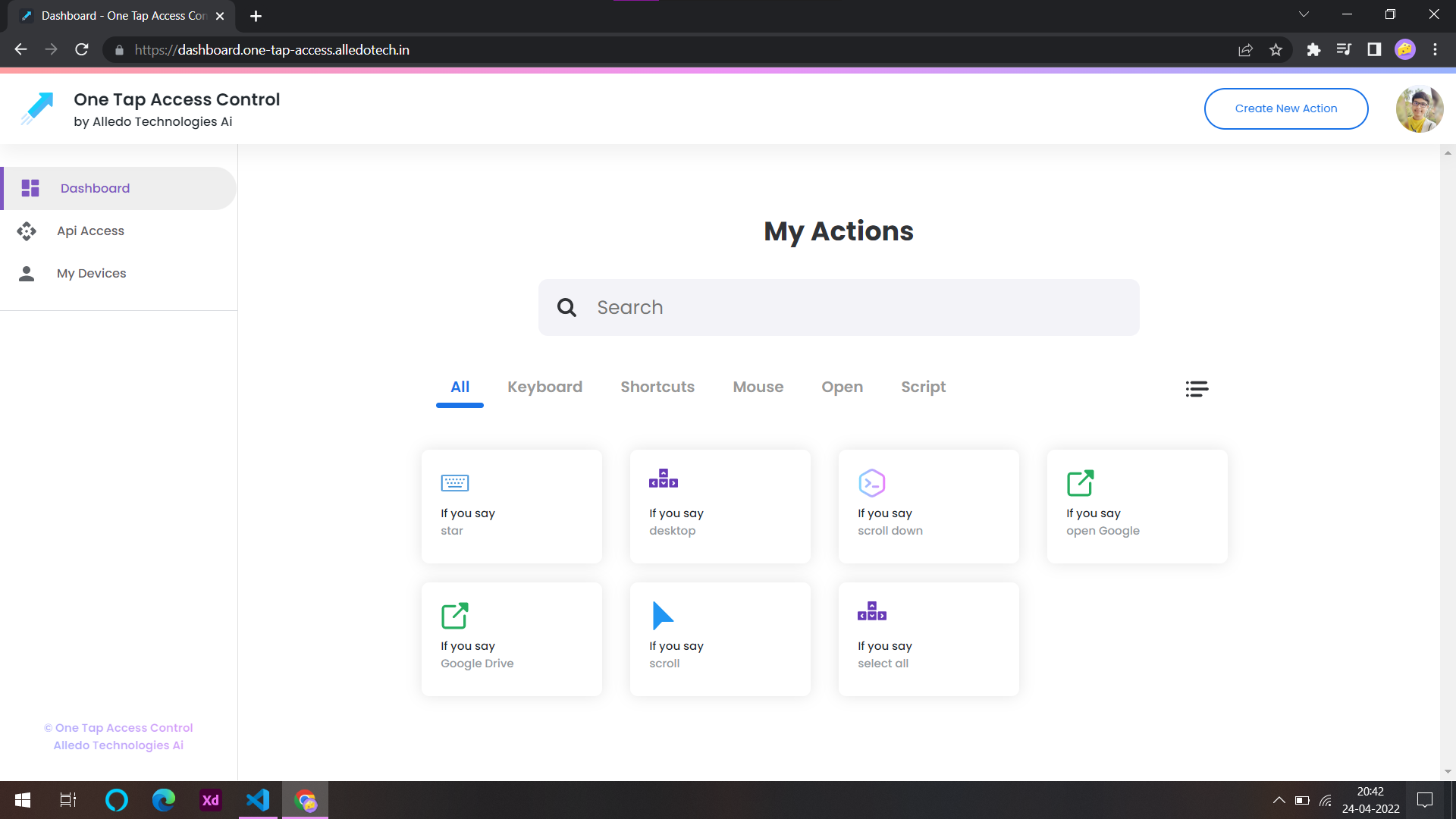
Open the web dashboard, connect to your client, and build voice actions — "if you say this, do that." Hotkeys, open apps, mouse control, and more.
Open Dashboard →Every voice action maps a spoken phrase to a real command on your PC. Mix and match action types to automate anything.
Trigger keyboard shortcuts like Ctrl+S, Win+D, or Alt+F4 with a spoken phrase.
Launch applications, open URLs, or start files on your desktop remotely.
Move the cursor, click, and scroll without touching your mouse.
Type text, symbols, or special characters into any focused window.
Run custom Python scripts for advanced automation — scroll pages, run macros, or anything PyAutoGUI can do.
The dashboard is a web UI that talks to the Flask server running locally on your computer. Voice commands from your phone reach the client through a secure channel — nothing runs in the cloud except authentication.
Download the Windows client, grab the Android app, and create your first action in minutes.